Virtual Piano Chords
Play piano chords online. Every key is labelled, any scale can be highlighted, and the notes are a sampled grand piano.
Playing chords on the virtual piano
A chord is two or more notes played together, so playing one here means pressing every note of the chord at the same time. On a phone or tablet you can hold three or four keys at once and hear the real thing. With a mouse you can only hold one key at a time, so the notes come out one after another rather than as a block.
If you want to hear the whole chord sounded together, open its own page instead. Every chord has one, with the notes spelled out, the shape drawn on a keyboard and a play button: browse all chords.
Start from the nine below. They cover most of what you will meet in pop, rock and folk, and every one of them is playable on the keyboard above.
| Chord | Notes |
|---|---|
| C major | C, E, G |
| G major | G, B, D |
| A minor | A, C, E |
| F major | F, A, C |
| D minor | D, F, A |
| E minor | E, G, B |
| C major 7 | C, E, G, B |
| A minor 7 | A, C, E, G |
| G7 | G, B, D, F |
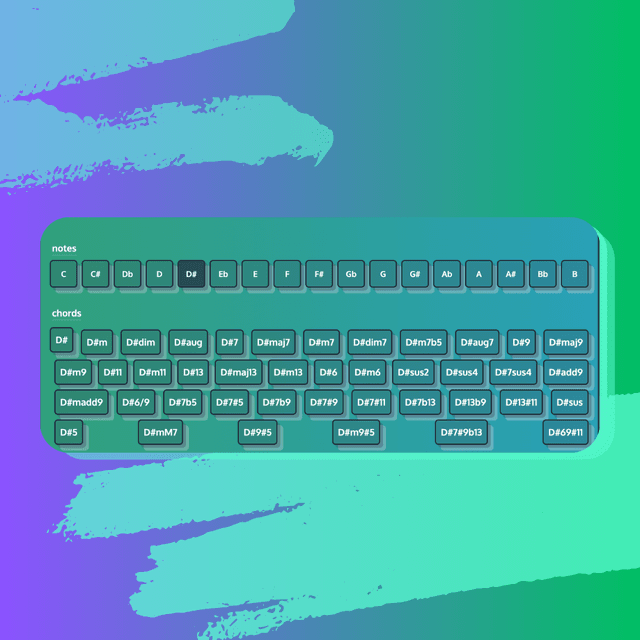
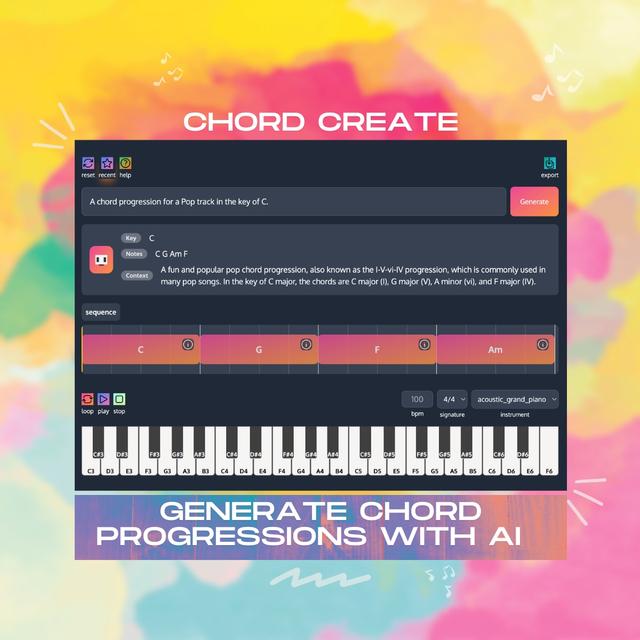
To work out which chords belong together, use the highlight scale control above the keyboard. Pick a root note and a scale, and every key in that scale lights up; any chord built only from lit keys fits the key you are writing in. There is a longer walkthrough in the guide to virtual piano chords, and if you would rather start from a whole progression than a single chord, the chord progression generator writes one from a description and plays it back.
Questions about playing chords here
How do you play a chord on a virtual piano?
Press every note of the chord at the same time. On a touchscreen you can hold three or four keys at once and hear the real chord. With a mouse you can only hold one key at a time, so play the notes in sequence, or open the chord’s own page to hear all of its notes sounded together.
What are the notes in a C major chord on piano?
C, E and G. It is the three white keys starting on C and skipping every other key: C, skip D, E, skip F, G.
Can I see which chords are in a key?
Yes. Use the highlight scale control above the keyboard, pick a root note and a scale type, and the keys in that scale light up. Any chord built only from the highlighted keys belongs in that key.
Is this virtual piano free?
Yes. The keyboard, the note labels, the scale highlighting and every chord reference page are free to use, with no sign-up.
More tools
Explore more tools to improve your music skills.