How to Generate a Chord Progression from a Text Prompt
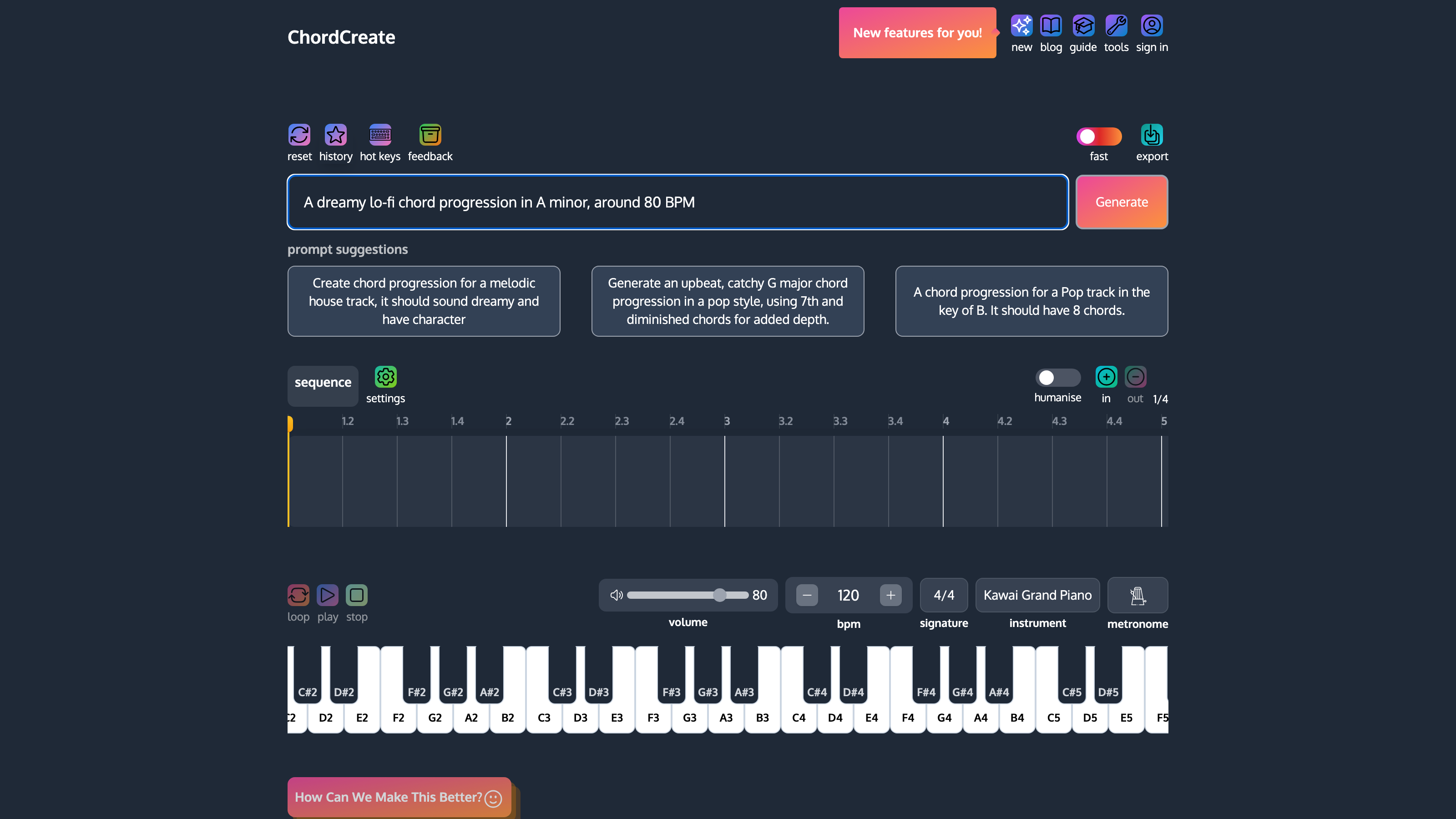
To generate a chord progression from a text prompt, describe what you want in plain language, the key, genre, mood and tempo, and let the AI turn it into a progression you can hear, rearrange and export as MIDI. The clearer your prompt, the closer the result lands to what you hear in your head. This guide shows you how to write prompts that actually get you usable chords, with real examples you can play as you read.
If you are new to how progressions work in the first place, it is worth a two-minute detour through what a chord progression is before you start prompting.
What a good chord prompt includes
A vague prompt like “some nice chords” gives the AI almost nothing to aim at, so it guesses. A good prompt sets four levers. You do not need all four every time, but the more you pin down, the less random the result.
| Lever | What it does | Example wording |
|---|---|---|
| Key | Fixes the tonal centre so the chords belong together | “in A minor”, “key of C” |
| Genre | Pulls in the harmonic habits of a style | “lo-fi”, “pop”, “cinematic”, “gospel” |
| Mood | Steers major/minor colour and tension | “dreamy”, “uplifting”, “tense”, “melancholic” |
| Tempo / feel | Hints at rhythm and spacing | “slow”, “around 80 BPM”, “driving” |
A prompt that uses all four reads naturally, something like: “a dreamy lo-fi chord progression in A minor, around 80 BPM.”
Write your first prompt
Open the generator, type your description into the prompt box, and hit generate. That is the whole loop. ChordCreate reads the prompt, builds a progression that fits, and drops it straight into the sequencer so you can play it back.
The prompt above asks for a dreamy lo-fi feel in A minor. Here is the kind of progression that fits that brief. Press play to hear it.
That is Am, F, C, G, the i, VI, III, VII of A minor, a staple of the lo-fi and bedroom-pop sound because it never fully resolves and just keeps drifting.
Example prompts and the chords they produce
The fastest way to get a feel for prompting is to see a few prompts next to what they generate. Play each one and notice how the mood word changes the colour of the chords.
Prompt: “an upbeat, feel-good pop progression in C major.”
Bright and instantly familiar. This is the I, V, vi, IV that sits under a huge share of pop songs, exactly what “upbeat pop in C” should land on.
Prompt: “a sad, emotional progression in E minor for a ballad.”
Same four-chord shape, minor home. Starting on Em pulls the whole thing toward that wistful, ballad feeling the prompt asked for.
Two prompts, two very different moods, and the only things that really changed were the key and the mood word. That is the leverage a good prompt gives you.
Turn the progression into a finished idea
Generating chords is the start, not the end. Once a progression is in the sequencer you can shape it into something you would actually use:
- Rearrange it. Drag chords to reorder them, or add and remove chords until the movement feels right.
- Hear it properly. Switch the instrument, change the tempo and time signature, and loop it so you can sit with the feel.
- Export it. Send the progression out as a MIDI file and drag it straight into Logic, Ableton, FL Studio or any DAW to keep building.
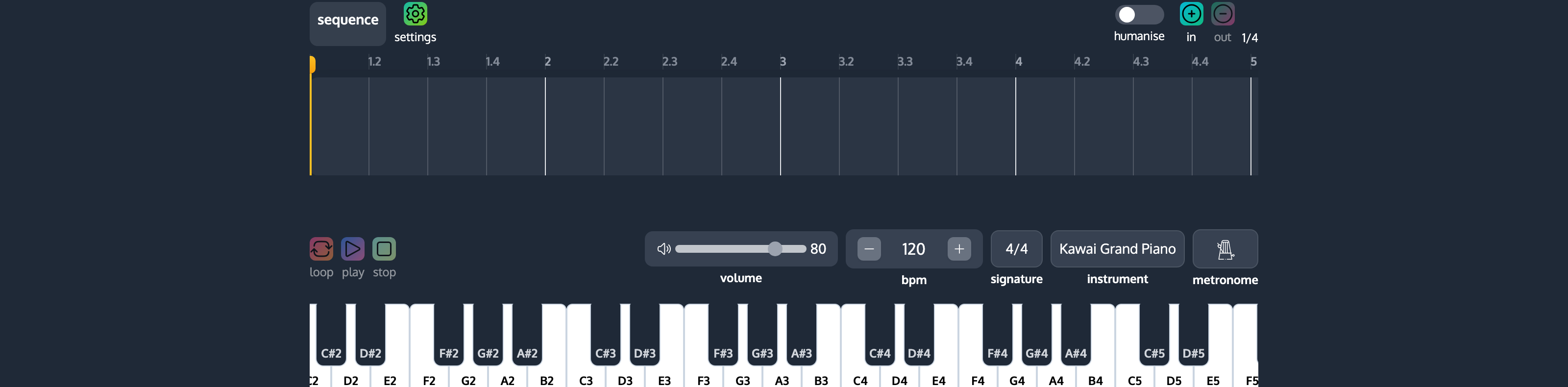
This is where a prompt-based generator earns its place in a real workflow. You go from an idea in words to editable MIDI in your project in under a minute, then take over from there.
Tips for better prompts
- Be specific before you be clever. Key plus genre plus mood beats a long, flowery description almost every time.
- Name a reference feel. Words like “cinematic”, “gospel”, “dreamy” or “driving” carry a lot of harmonic information in a single term.
- Iterate. If the first result is close but not quite there, regenerate or tweak one lever. Change only the mood word and keep the key to see how much the colour shifts.
- Let the theory follow the ear. You do not need to know the Roman numerals up front. Generate something you like, then look at what it is doing if you want to learn from it.
Quick answers
Can I generate a chord progression just from a text description? Yes. Describe the key, genre, mood and tempo in plain language and the AI builds a matching progression you can play back immediately.
What should I put in the prompt? At minimum a key and a mood or genre. Adding a tempo and a reference feel (“lo-fi”, “cinematic”) makes the result more predictable.
Can I export the chords to my DAW? Yes. Any generated progression exports as a standard MIDI file that drops straight into Logic, Ableton, FL Studio or any other DAW.
Do I need to know music theory to use it? No. You can generate and use progressions by ear, and look at the theory behind them later if you want to learn.